
Your new website is live, the design looks right, and your agency has sent the final invoice. But can your business actually manage the website without depending on the person who built it?
A website handoff checklist helps you confirm that you have everything needed to operate, maintain, and improve your site after launch. That includes more than a WordPress password. You also need access to your domain, hosting, analytics, design assets, and the systems that keep your website working.
This guide covers what to request, how to verify each deliverable, and what to resolve before considering your website project complete.
Key Takeaways
- A completed website should come with verified access to its domain, hosting, content management system, and essential third-party services.
- Your website credentials checklist should distinguish between account ownership, administrative permissions, and access needed for everyday tasks.
- Request documentation for custom functionality, plugins, website templates, backups, and recurring subscriptions.
- Confirm that forms, analytics, redirects, search indexing settings, and other launch requirements work on the live website.
- Establish who is responsible for updates, security, backups, and technical support after the project ends.
- Test critical access and website functions before signing off on the final handoff.
What Should a Complete Website Handoff Include?
A website handoff is the formal transfer of a completed website from its developer or agency to the business responsible for operating it.
The process should establish what has been delivered, which accounts the business controls, how the website works, and who will maintain it.
A useful handoff also gives your team enough information to make ordinary changes without accidentally disrupting important functionality.
For example, your marketing manager should know how to update a service page, while the person responsible for technical support should know where backups are stored and how to restore the website.
Those responsibilities are different, and the handoff should account for both.
The essential website handoff deliverables
The following table provides a starting point for reviewing your project.
| Handoff category | What your business should receive | How to verify it |
| Domain and DNS | Registrar access, renewal information, and DNS management details | Sign in and confirm the domain is registered to the correct business |
| Website hosting | Hosting account access, billing details, and support information | Confirm you can access the hosting dashboard |
| CMS access | Appropriate WordPress or other CMS user accounts | Sign in independently and verify permissions |
| Website files | Applicable source files, custom code, and design assets | Confirm files are accessible and usable |
| Third-party services | Access to analytics, email delivery, forms, and relevant integrations | Open each account and check permissions |
| Technical documentation | Website configuration, dependencies, and custom functionality | Review documentation with the developer |
| SEO configuration | Redirects, sitemap information, metadata, and search tools | Check the live website and relevant accounts |
| Maintenance | Backup procedures, update responsibilities, and support arrangements | Confirm the responsible person and escalation process |
Not every website needs every item. A simple brochure website may have no custom integrations, while an eCommerce website may depend on payment processing, shipping services, and inventory synchronization.
The important distinction is whether you have received everything necessary for the website your business actually purchased.
Website ownership versus website access
Having an administrator login doesn’t necessarily mean you control your website.
Your developer might have registered your domain under their own account, purchased premium plugins using an agency subscription, or connected analytics to an account your business cannot administer.
Those arrangements aren’t automatically problematic. Agencies often manage services on behalf of clients.
However, your agreement should explain what your business owns, what remains licensed to the agency, and what happens if you change providers.
Ask for written clarification when ownership or transfer rights are unclear. Website files, licensed software, stock photography, fonts, and third-party subscriptions may have different contractual terms.
Website Handoff Checklist: Accounts, Credentials, and Ownership
The first priority during website launch handoff is establishing control over the systems that make your website accessible.
A website credentials checklist should identify each account, its owner, the access your business requires, and the person responsible for maintaining it.
Avoid collecting passwords in a spreadsheet or sending credentials through ordinary email. Use a password manager or the service’s account invitation system whenever possible.
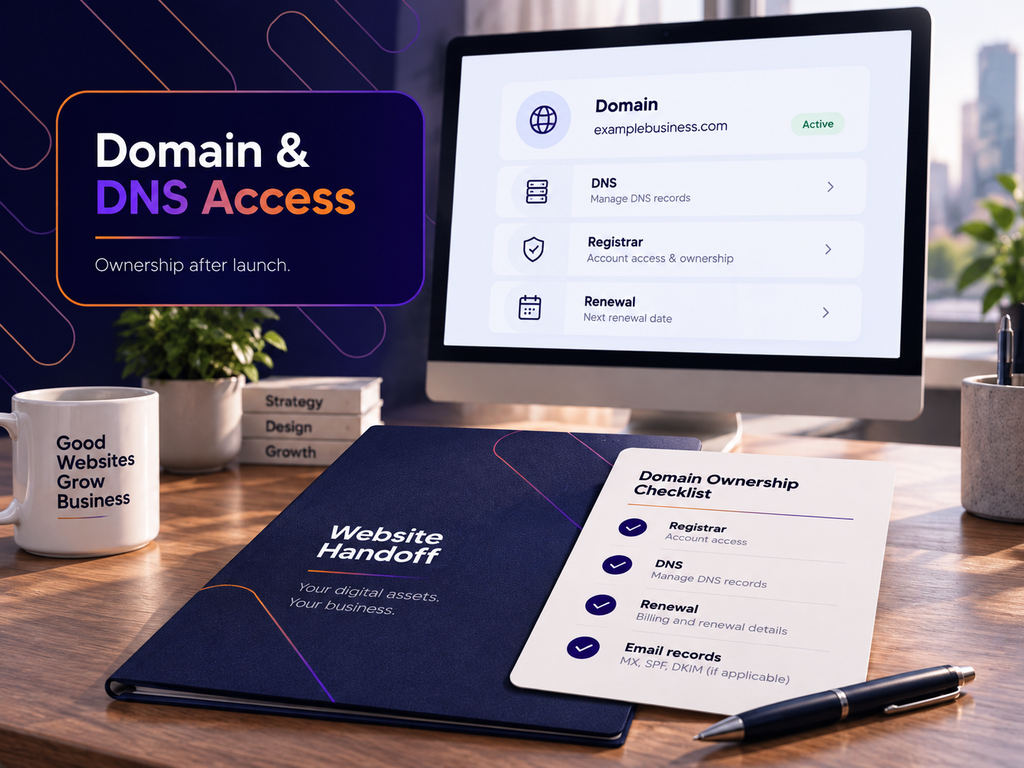
1. Domain registrar and DNS access
Your domain is the address customers use to reach your website.
If your business loses control of its domain registration, it may have difficulty renewing the domain, changing hosting providers, or updating DNS records.
Request the following information:
- Domain registrar and account details.
- Registered domain owner and administrative contact.
- Domain expiration date and renewal settings.
- DNS provider and nameserver configuration.
- Access to manage DNS records.
- Information about domain privacy and transfer restrictions.
Confirm that your business controls the relevant account or has a documented ownership and transfer arrangement.
Pay particular attention to DNS if your domain also supports business email.
Changing nameservers or removing MX, SPF, DKIM, or DMARC records without understanding their purpose can interrupt email delivery or authentication.
A website migration should not unexpectedly take your business email offline.
2. Website hosting and server access
Your hosting account controls where the live website runs.
Request access to the hosting control panel, billing information, and technical support details.
Depending on your hosting arrangement, relevant access may include SFTP, SSH, database management, staging environments, and server logs.
Your business doesn’t necessarily need to use every technical feature. However, the person maintaining the website should have access appropriate to their responsibilities.
Also confirm:
- Where the website is hosted.
- Who receives hosting invoices.
- When the hosting plan renews.
- Whether SSL certificates renew automatically.
- Where backups are stored.
- Whether the agency uses its own hosting infrastructure.
If hosting is included in an ongoing agency contract, clarify the process for moving the website to another provider.
3. WordPress administrator access
For a WordPress website, request an account associated with an email address your business controls.
Don’t rely exclusively on a developer’s personal account.
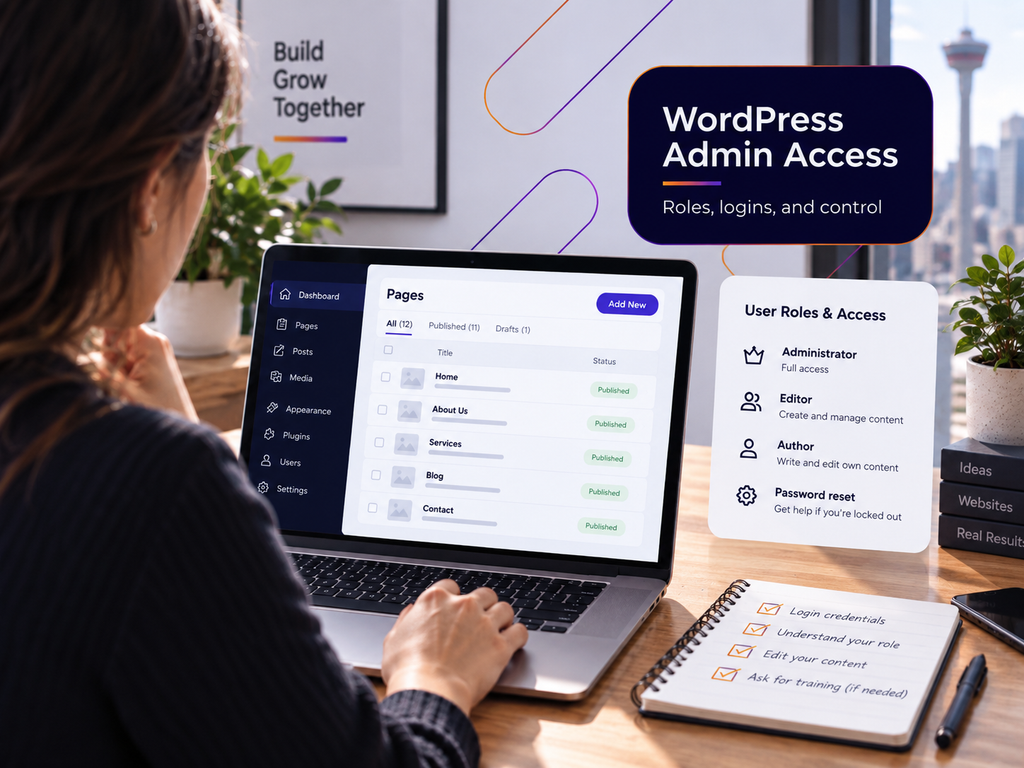
WordPress provides different permission levels. According to the official WordPress roles and capabilities documentation, administrators can manage site settings and other administrative functions, while editors have more limited content management permissions.
An administrator account is generally appropriate for the designated website owner or technical administrator. Employees responsible only for publishing content may need an Editor role instead.
During the web design handover, verify that you can:
- Sign in using your own account.
- Access the pages and content you need to manage.
- Review installed plugins and themes if your role permits it.
- Confirm that the administrator email address is correct.
- Access the relevant account recovery and authentication methods.
If your website uses Elementor or another page builder, ask for a demonstration of how its templates and global design settings work.
Editing a page’s text is different from changing a reusable header, footer, or service page template.
For businesses using custom WordPress functionality, professional WordPress development support may also be relevant when future updates require changes beyond ordinary content editing.
4. Third-party accounts and integrations
Your website may depend on services that aren’t visible in the WordPress dashboard.
Common examples include Google Analytics, Google Search Console, Google Tag Manager, CRM integrations, form services, email marketing tools, payment processors, and appointment booking systems.
Create an inventory identifying each service and its purpose.
For every account, record the account owner, relevant administrative permissions, billing responsibility, and renewal date.

Where supported, use account-level invitations rather than sharing a single login.
Check where important notifications are delivered. A contact form might technically work while sending leads to the developer’s email address instead of your sales team.
The same issue can affect security alerts, failed payment notifications, and subscription renewal reminders.
Website Files, Documentation, and Training
Account access is only one part of a complete handoff.
Your business also needs enough documentation to understand how the website was built and how ordinary changes should be made.
Without that information, even a small update can become an unnecessary development task.
5. Website files and design assets
The exact files you should receive depend on your contract and the technology used to build the website.
For a custom WordPress project, applicable deliverables may include custom theme files, child themes, custom plugins, reusable templates, and project-specific code.
If the website uses a commercial theme or page builder, confirm whether its licence is registered to your business or provided through an agency subscription.
Also request the design assets your agreement entitles you to receive.
These may include:
- Final logo files and approved brand assets.
- Fonts and relevant licensing information.
- Original graphics and illustrations.
- Website imagery and applicable usage rights.
- Editable design files, if included in the project.
- Reusable page layouts and template documentation.
Don’t assume that purchasing a website automatically includes unrestricted rights to every asset used in its design.
Some assets remain subject to third-party licensing conditions.
For custom development, clarify whether your contract includes access to a source code repository and any relevant build or deployment instructions.
6. Website documentation
A useful handoff document should explain how the website is configured without requiring someone to reverse-engineer the entire project.
For WordPress, request documentation covering the active theme, important plugins, page builder, custom functionality, and relevant hosting configuration.
The document should also identify any dependencies that could affect future changes.
For example, a contact form may send enquiries through an external SMTP service, while a booking calendar may rely on a third-party API.
Removing either integration could affect the website even if its pages continue to display normally.
For custom features, ask the developer to identify which files or settings control the functionality and whether updates require a staging environment.
This information is particularly useful when transferring a website to a new maintenance provider.
7. Content management training
Training should focus on the tasks your team will actually perform.
A business owner who only needs to update operating hours doesn’t need the same training as a marketing team publishing landing pages every week.
Ask your developer to demonstrate the most common tasks using the live website or an appropriate training environment.
These may include editing page content, replacing images, updating navigation, publishing blog posts, and managing form submissions.
For WordPress websites using Elementor, clarify which elements are safe to edit directly and which are controlled through shared templates or global settings.
Practical example: A service business taking over its website
Consider a hypothetical Calgary accounting firm launching a redesigned WordPress website.
Its office manager needs to update team profiles and office hours. Its marketing contractor needs to publish articles and review lead submissions. A technical provider handles plugin updates and backups.
A useful handoff would provide each person with suitable permissions and specific instructions.
The office manager could receive a short video demonstrating how to edit staff profiles. The marketing contractor could receive publishing guidelines and analytics access. The technical provider would receive the configuration and maintenance documentation.
This arrangement reduces unnecessary access while allowing each person to complete their work.
For businesses planning frequent content updates or future design changes, a responsive web design approach should also account for how new content behaves across mobile and desktop layouts.
Technical, SEO, and Conversion Checks After Launch
A successful launch means more than confirming that the homepage loads.
Before accepting the final website handoff, check whether the live website performs the functions your business needs.
Some problems appear only after the staging website has been moved to its production domain.

8. Confirm the live website configuration
Start with the homepage, primary service pages, contact page, and other important conversion pages.
Open them on desktop and mobile devices.
Check that navigation menus work, images load correctly, and buttons lead to the intended destinations.
Then review the technical setup.
Your launch verification should cover:
- HTTPS and the expected domain version.
- No broken internal links or missing images.
- No unintended redirects to the staging website.
- No staging-domain references in important page content.
- Correct canonical URLs.
- Appropriate indexing settings.
- Working contact forms and notifications.
- Functional mobile navigation and calls to action.
For WordPress, review Settings > Reading and confirm that any temporary search engine visibility setting has been addressed.
Also verify that staging-specific password protection or access restrictions haven’t accidentally been transferred to production.
A website can look completely finished while still preventing search engines from accessing important pages.
9. Preserve SEO during a redesign
If your project replaces an existing website, request documentation of any URL changes.
A redesign that changes page addresses without appropriate redirects can leave customers and search engines following outdated URLs.
For example, an accounting firm’s previous service page might have used /accounting-services/, while the redesigned website uses /services/accounting/.
If the original page has a relevant replacement, the old address should generally redirect to the new one.
Google explains how permanent redirects communicate URL changes in its documentation on redirects and Google Search.
Ask for a redirect mapping document showing the original URL, its new destination, and the redirect status.
Test important redirects rather than accepting the document without verification.
A proper SEO handoff should also identify:
- The live XML sitemap.
- Google Search Console ownership and access.
- Important metadata and canonical configurations.
- Relevant structured data.
- Any URLs intentionally removed or consolidated.
- Outstanding indexing or migration issues.
A completed redesign doesn’t guarantee that every page will be indexed or retain its previous search visibility.
If the project includes ongoing search optimization, establish which monitoring and corrective tasks are included in the SEO service arrangement.
10. Verify analytics and lead tracking
Analytics access is only useful when the correct website is collecting the expected data.
Confirm that your Google Analytics property is associated with your business and that authorized employees can access it.
Check whether Google Tag Manager is installed, if used, and whether tracking configurations were transferred correctly.
Test the actions that matter to your business.
For a service website, this might include:
- Submitting the main contact form.
- Confirming the enquiry reaches the correct inbox or CRM.
- Checking that the expected conversion event is recorded.
- Testing the process on a mobile device.
For a website with multiple contact forms, test each form separately.
A form on a landing page may use different settings from the main contact page.
Also confirm that test submissions are distinguishable from genuine enquiries when reviewing launch data.
If the project involves advertising campaigns, document which landing pages and conversion events are connected to those campaigns.
11. Check performance and accessibility
Performance testing should include the website’s important page types, not just its homepage.
A service page with large images or an embedded booking widget may behave differently from a simple informational page.
Use PageSpeed Insights to review representative pages and investigate significant issues.
Pay particular attention to oversized images, unnecessary third-party scripts, render-blocking resources, and caching configuration.
Record any known performance problems and determine whether correcting them is included in the original project.
Accessibility deserves a separate review.
Check whether visitors can use important navigation and forms with a keyboard, understand form labels, and access meaningful image alternatives.
The Web Content Accessibility Guidelines from W3C provide a technical reference for accessibility requirements.
Automated tools can help identify some problems, but they don’t replace appropriate manual testing or establish legal compliance.
12. Test eCommerce transactions when applicable
An eCommerce website needs additional handoff checks because checkout problems can directly interrupt sales.
Before approving the launch, verify product information, taxes, shipping rules, payment settings, and transactional emails.
Use the payment provider’s supported testing process or an appropriately controlled transaction.
Confirm that orders appear correctly in the store dashboard and that the designated staff can manage them.
For WooCommerce, determine who needs Administrator access and who can work with a Shop Manager role.
Also document the process for handling failed payments, refunds, order notifications, and payment gateway support.
Maintenance, Support, and Final Handoff Approval
Website launch is the beginning of normal website operations.
Your business needs a clear arrangement for the work that follows, particularly if you don’t have an internal technical team.
The final handoff should specify which responsibilities remain with the agency and which transfer to your business.
13. Establish website maintenance responsibilities
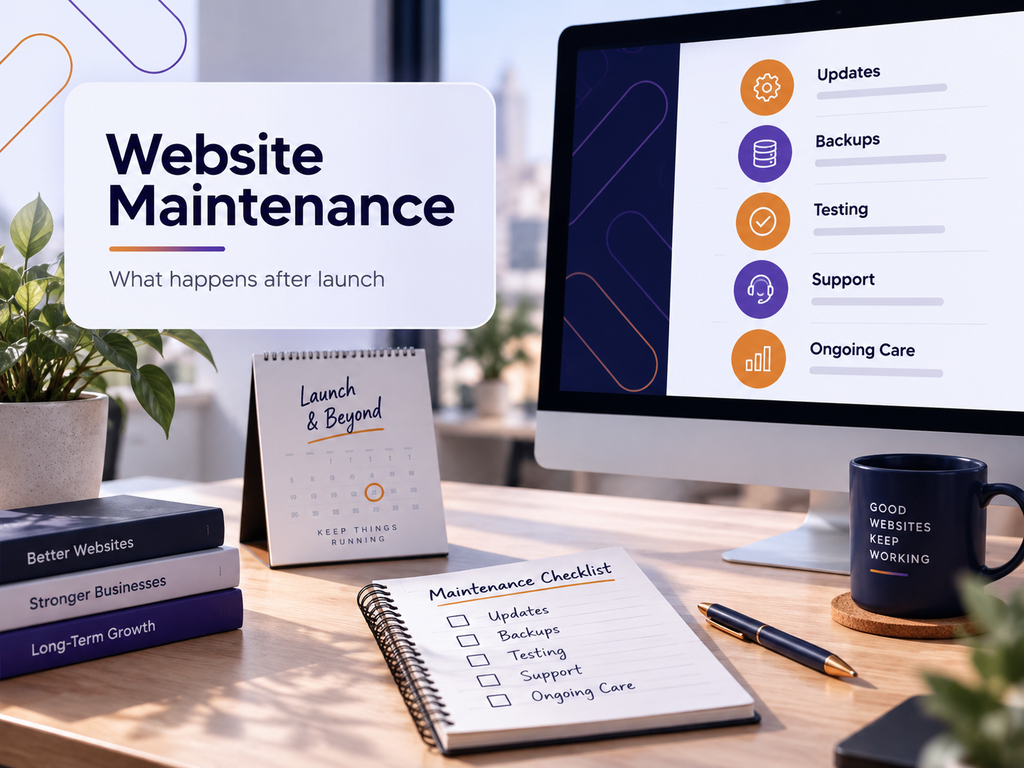
A website maintenance plan should identify who handles WordPress updates, plugin compatibility, backups, security monitoring, and technical troubleshooting.
Don’t assume these services are included indefinitely because your agency built the website.
Ask what the maintenance agreement covers and how additional work is approved.
For example, a plugin update may be included in routine maintenance, while rebuilding a custom integration after an external API changes may require a separate scope of work.
A website maintenance service can provide ongoing technical support, but the agreement should still define the specific tasks, responsibilities, and response arrangements.
14. Confirm backups and recovery procedures
A backup is only useful if it contains the information needed to restore the website and someone knows how to use it.
Request documentation identifying the backup system, schedule, retention period, and storage location.
Find out whether backups include both website files and the database.
For WordPress, restoring only the files without the corresponding database may leave important content or settings missing.
Ask whether a recent backup has been successfully restored in an appropriate test environment.
Also confirm who is authorized to initiate a restoration and how recovery is handled if the hosting provider is unavailable.
For eCommerce websites, recovery planning should account for orders and other data that may change between backups.
15. Document subscriptions and recurring costs
Some website expenses continue after development is complete.
These can include hosting, domains, premium plugins, page builders, security services, email delivery tools, and third-party integrations.
Your handoff should identify each recurring service, its billing owner, renewal date, and cancellation or transfer conditions.
Pay particular attention to licences purchased through an agency account.
If your business changes providers, you may need to purchase replacement licences or establish a different maintenance arrangement.
Clarify these conditions before the original developer’s involvement ends.
16. Complete the final handoff acceptance process
Before approving the project, arrange a short handoff meeting with the developer and the person responsible for your website internally.
Use the meeting to verify the deliverables rather than simply reviewing them.
The following checklist can serve as your final acceptance record.
Website ownership and access
- Domain ownership and renewal arrangements are confirmed.
- Hosting access and billing responsibilities are documented.
- Business-controlled CMS administrator access has been tested.
- Relevant third-party accounts have been transferred or shared.
- Authentication and account recovery arrangements are confirmed.
Website operation
- Important pages and navigation have been tested.
- Contact forms and lead notifications reach the correct recipients.
- Mobile layouts and important calls to action work.
- Analytics and conversion tracking have been checked.
- Relevant eCommerce or booking functions have been tested.
Documentation and ongoing support
- Applicable website files and design assets have been delivered.
- Plugin, theme, and integration dependencies are documented.
- Redirects and important SEO configurations have been reviewed.
- Website management training is complete.
- Backup and recovery procedures are understood.
- Maintenance responsibilities and support arrangements are confirmed.
Record any outstanding issues, the person responsible for resolving them, and the agreed resolution date.
Not every minor issue needs to delay project acceptance. However, missing domain control, unavailable administrator access, broken lead forms, or an unusable checkout process should be resolved before the handoff is considered operationally complete.
Make Website Handoff Part of Your Launch Approval
A website isn’t fully handed over simply because it has been published.
Your business should be able to access its essential accounts, manage routine content, understand its technical dependencies, and arrange support when something goes wrong.
Use this website handoff checklist before approving the final project deliverables. Identify missing access, test important functions, and document any unresolved responsibilities.
That gives your business a practical foundation for maintaining and improving the website long after the original project is complete.
FAQs
What should a web designer give you when your website is finished?
Your web designer should provide the deliverables specified in your contract, including appropriate website access, applicable files, and documentation. You should also receive the information needed to manage your domain, hosting, and essential integrations. Training and post-launch support should be confirmed according to your agreement.
Should I own my website domain and hosting account?
Your business should have a clear ownership or control arrangement for its domain and hosting. Some agencies provide managed hosting, which can be convenient, but the contract should explain how your website and domain can be transferred. Confirm these arrangements before development begins.
Do I need all the WordPress passwords from my developer?
You should have appropriate access to manage your website, but you don’t need every password used during development. Individual administrator accounts and service-level invitations are generally preferable to sharing credentials. Your developer can retain an account for ongoing support if that access is authorized and documented.
What happens if my web designer doesn’t provide a website handoff?
You may struggle to update your website, change hosting providers, access analytics, or resolve technical problems. Review your contract to determine which deliverables and access rights were agreed upon, then request the missing items in writing. If ownership or contractual rights are disputed, seek appropriate professional advice.
How long should a website handoff take?
The time required depends on the website’s complexity and how well the project has been documented. A simple business website may need only a short training session and account verification, while a custom WordPress or eCommerce website may require more extensive testing. Ideally, handoff preparation begins before launch.
Does website maintenance start immediately after launch?
Maintenance responsibilities should begin according to the agreement between your business and the provider. WordPress websites still require attention to updates, backups, security, and compatibility after launch. Confirm who handles these tasks and whether there is a separate post-launch support or warranty period.
Can I move my website to another developer after launch?
In many cases, yes, provided you have the necessary access, applicable files, and contractual rights. A new developer may also need information about your hosting environment, plugins, custom functionality, and third-party integrations. Reviewing those dependencies before changing providers can help prevent avoidable disruption.